

Access your WordPress site
Your WordPress site has three different addresses (replace acmeblog with your WordPress site name)
acmeblog.onpressidium.com Production URLacmeblog.dev.onpressidium.com Staging URLsftp.acmeblog.onpressidium.com SFTP address
If you don’t remember the name of your WordPress site, do the following:
Login to the Pressidium Dashboard.
Select the Websites menu option from the Dashboard sidebar.
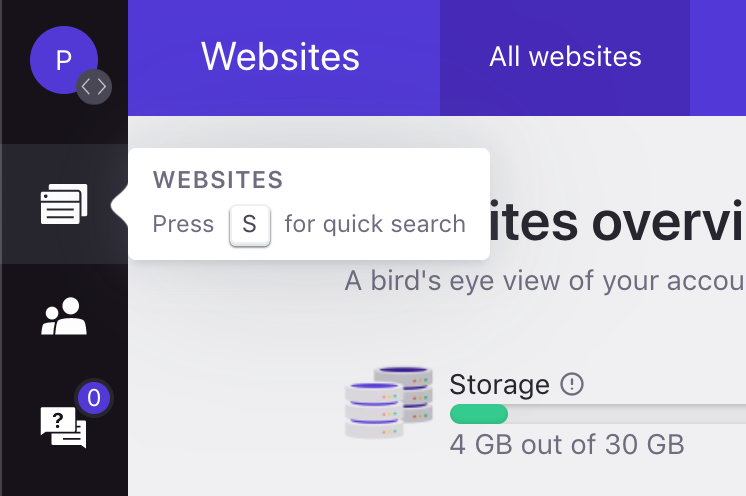
You will be presented with a list of your currently hosted WordPress sites. Click on a site’s name to go to the website overview.
You can also quickly navigate to / search for a website by pressing the S key to display the Website quick search dialogand typing the website name.
Need help?
If you cannot access your WordPress admin area, or the login link does not work as expected, contact our Support team before resetting access manually.
Where to go next
- Log in to WordPress with a one-time login link if you need temporary dashboard access without using a password.
- Reset a WordPress user password if you need to regain access to a WordPress user account.
- Manage role-based dashboard users if other team members need Pressidium Dashboard access.
- Secure your account using two-factor authentication to strengthen login protection.
Was this article helpful?