

WordPress integration not connected
If the WordPress integration shows as Not connected, the Pressidium Performance Plugin has not yet been connected to this website in Pressidium EDGE.
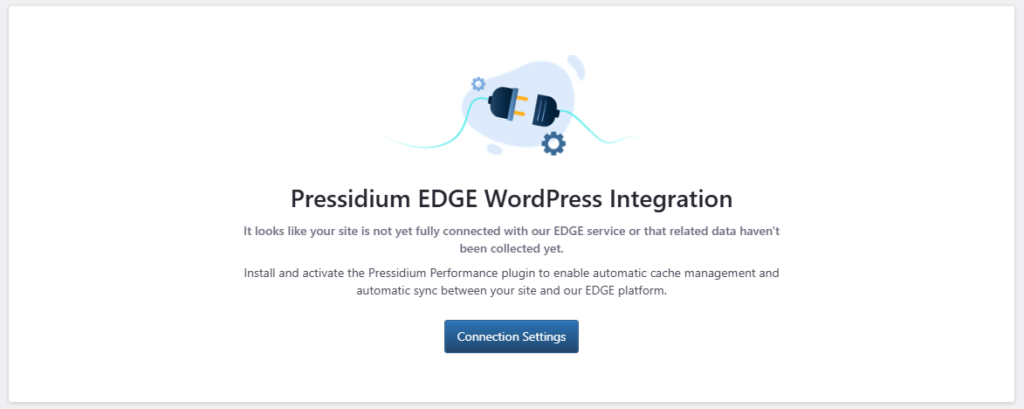
To connect your site, click Connection Settings to get the credentials you need and follow Step 7: Integrate with WordPress in the Adding a WordPress site to EDGE guide below.
Prefer to follow along with a video? Watch the Adding a WordPress site to EDGE tutorial from the point where the WordPress integration begins.
After completing the connection, return to this page and confirm that the integration status has changed to Connected.
After connection
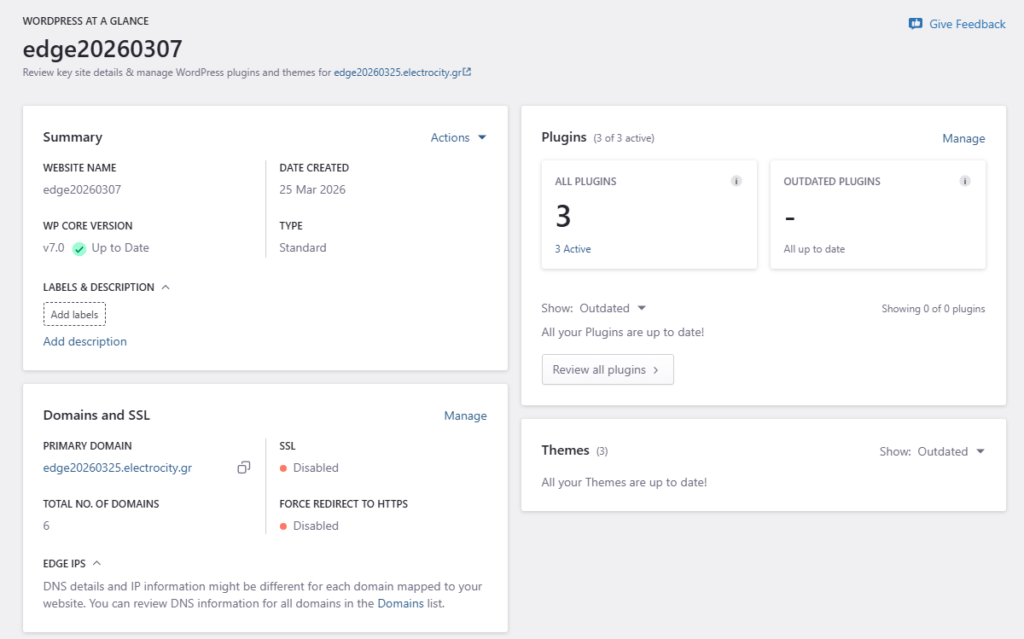
After the plugin is connected, the Dashboard can collect WordPress installation data and show the site’s WordPress information.
This may include:
- Site summary
- Plugin status
- Theme status
- Domain and SSL information
- WordPress settings
- Recent usage information
If the issue persists
If you still see the Not connected page:
- Confirm that the Pressidium Performance Plugin is active in WordPress.
- Confirm that the plugin is connected to the correct EDGE site.
- Check whether the connection settings were saved correctly.
- Wait a few minutes for data to sync.
- Refresh WordPress > At a Glance.
Where to go next
After you review why the WordPress integration is not connected, continue with the next step that matches what you see.
- To install the required plugin, follow Install the Pressidium Performance Plugin.
- To connect the plugin to EDGE after installation, follow Performance Plugin EDGE integration.
- To change plugin options after the integration is active, follow Configure Performance Plugin settings.
- To troubleshoot connection or sync issues, review Performance Plugin troubleshooting.
Was this article helpful?