

The Pressidium Dashboard
Once you log in to the Pressidium Dashboard, you are landed on the main overview page of your Pressidium account. This page gives you a quick snapshot of your websites, EDGE Only websites, support tickets, team members, subscriptions, invoices, product updates, blog posts, and help resources.
The Home page helps you:
- View your active managed WordPress websites
- View your EDGE Only websites
- Create a new website
- Start a migration
- Open or review support tickets
- Review team members and activity
- Check subscriptions and invoices
- Read product updates
- Access blog content and support articles
Sections included
The Home page is divided into several dashboard cards:
- Hosting websites
- EDGE Only Websites
- Support Tickets
- Team Members
- Subscriptions
- Recent Invoices
- What’s New
- Fresh from our Blog
- Need Help?
Websites
The Websites card shows your managed WordPress websites hosted on Pressidium.
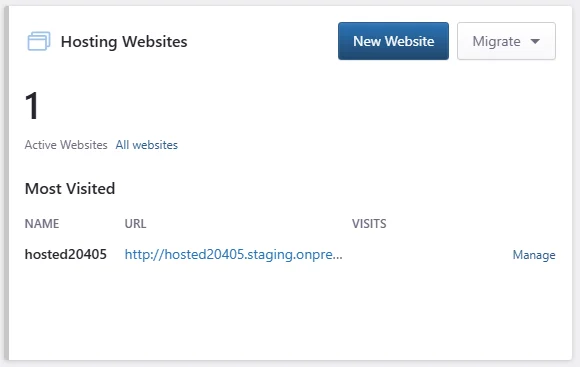
You can use this card to:
- See the number of active hosting websites
- Open the full websites list
- Create a new website
- Start a migration
- View your most visited websites
- Manage a listed website
Available actions:
- Click New Website to create a new WordPress website.
- Click Migrate to start a migration.
- Click All websites to view all hosting websites.
- Click Manage next to a website to open its management page.
EDGE Only Websites
The EDGE Only Websites card shows websites using the standalone EDGE Only service.
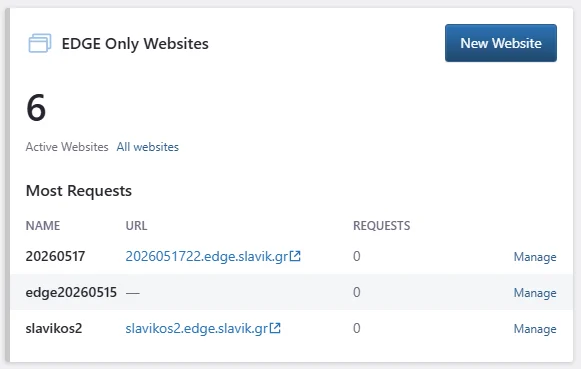
You can use this card to:
- See the number of active EDGE Only websites
- Open the full EDGE Only website list
- Create a new EDGE Only website
- View websites with the most requests
- Manage a listed EDGE Only website
Available actions:
- Click New Website to add a new EDGE Only website.
- Click All websites to view all EDGE Only websites.
- Click Manage next to a website to open its management page.
Support Tickets
The Support Tickets card shows your current support ticket activity.
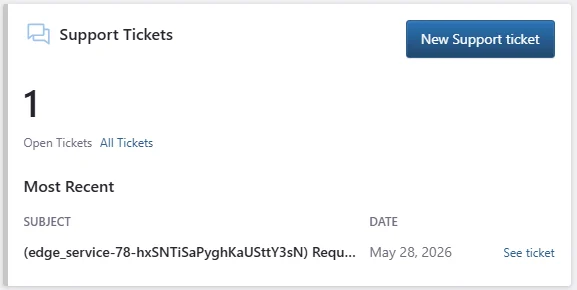
You can use this card to:
- See the number of open tickets
- Create a new support ticket
- Open the full ticket list
- Review the most recent support request
Available actions:
- Click New Support ticket to contact Support.
- Click All Tickets to view all support tickets.
- Click See ticket to open a specific support ticket.
Team Members
The Team Members card shows how many users have access to your Pressidium account.
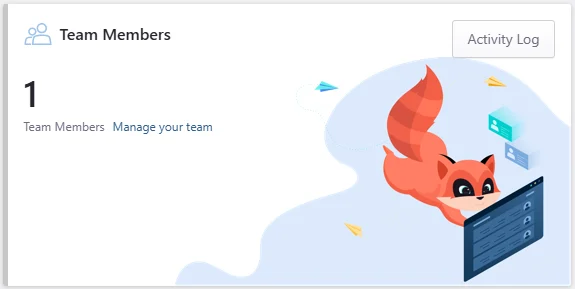
You can use this card to:
- See the number of team members
- Manage your team
- Open the account activity log
Available actions:
- Click Manage your team to review or update team access.
- Click Activity Log to view recent account activity.
Your Subscriptions
The Your Subscriptions card shows active subscriptions for your account.
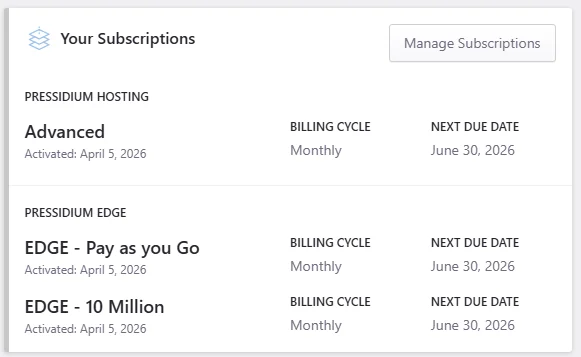
The card may include:
- Pressidium Hosting subscriptions
- Pressidium EDGE subscriptions
- plan names
- activation dates
- billing cycle
- next due date
Available action:
- Click Manage Subscriptions to review or manage your active plans.
Recent Invoices
The Recent Invoices card shows your latest invoices.
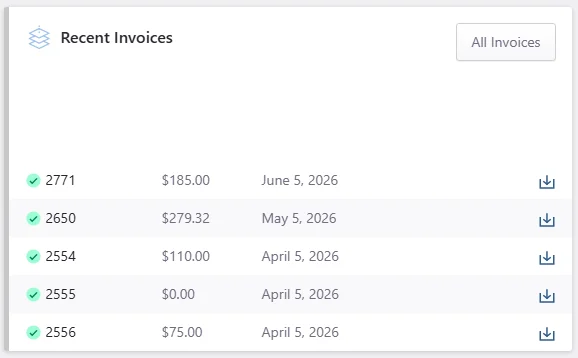
You can use this card to:
- Review recent invoice numbers
- Check invoice amounts
- See invoice dates
- Download individual invoices
- Open the full invoice list
Available actions:
- Click All Invoices to view billing history.
- Click the download icon next to an invoice to download it.
What’s New
The What’s New section shows recent Pressidium product updates and announcements.
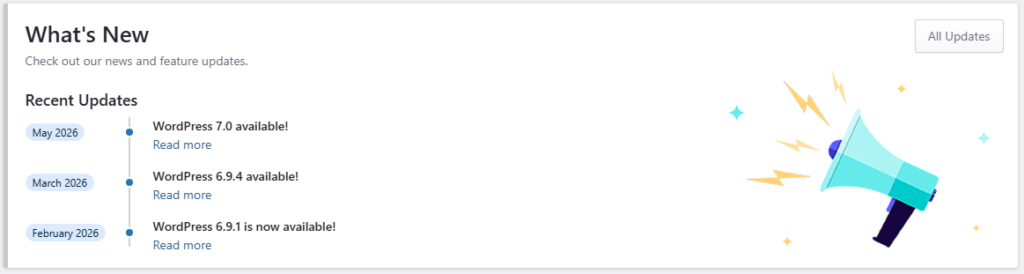
Each update may include:
- release month
- update title
- link to read more
Available actions:
- Click Read more to open an update.
- Click All Updates to view the full updates list.
Fresh from our Blog
The Fresh from our Blog section shows recent articles from the Pressidium blog.
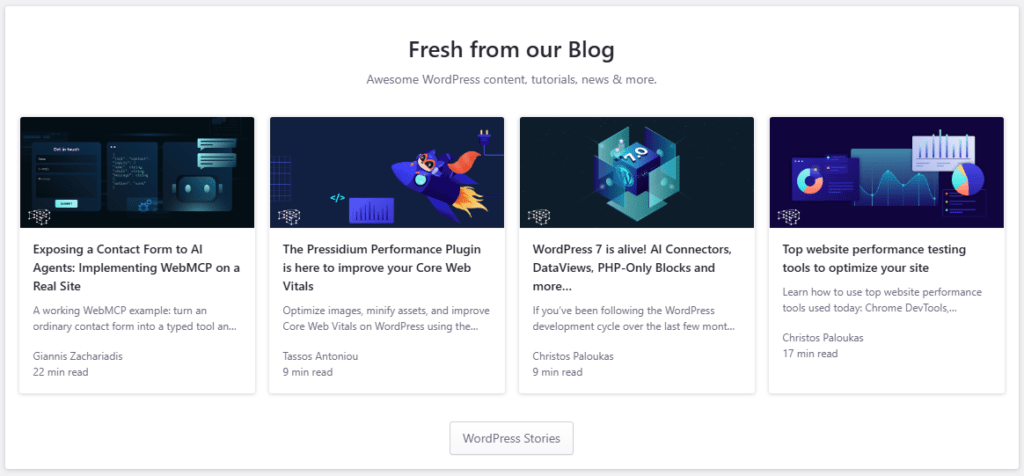
Each blog card may include:
- featured image
- article title
- short excerpt
- author name
- estimated reading time
Available action:
- Click WordPress Stories to view more blog content.
Need Help?
The Need Help? section gives you quick access to support and knowledge base articles.
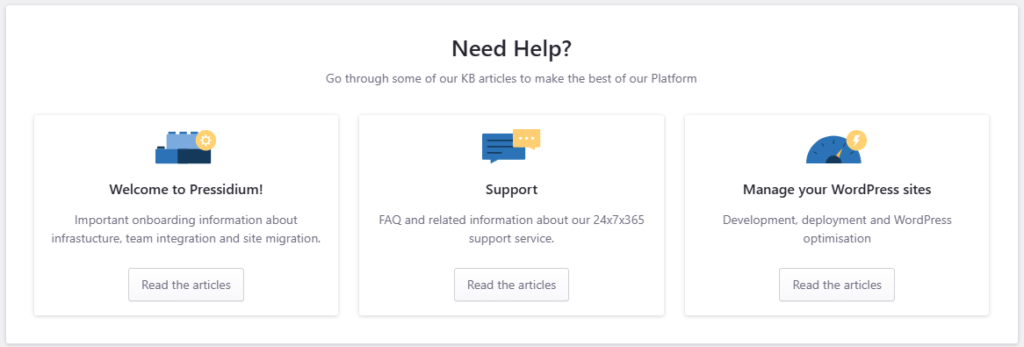
The cards shown may include:
- Welcome to Pressidium!
- Support
- Manage your WordPress sites
Click Read the articles on a card to open the related help articles.
Common questions
Can I create a new website from the Home page?
Yes. Use the New Website button in either the Hosting Websites or EDGE Only Websites card, depending on the type of website you want to create.
Can I open a support ticket from the Home page?
Yes. Click New Support ticket in the Support Tickets card.
Can I manage billing from the Home page?
Yes. Use the Your Subscriptions and Recent Invoices cards to review subscriptions and invoices.
What is the difference between Hosting Websites and EDGE Only Websites?
Hosting Websites are managed WordPress websites hosted on Pressidium.
EDGE Only Websites are websites using the standalone EDGE Only service while keeping their existing host.
Need help?
If something on the Home page does not look correct, contact Support and include:
- your account email
- the section where the issue appears
- the website name or invoice number, if relevant
- a screenshot of the issue
Where to go next
- Create a new WordPress site if you want to start a new site on Pressidium.
- Use the Migration Wizard to move an existing WordPress site to Pressidium yourself.
- Explore the Site Overview to learn how to manage a hosted WordPress site.
- Manage team members and Dashboard roles to give other users access to your account.
Was this article helpful?